Parents, have you ever been jamming to your favorite playlist, and suddenly you realize there is a track that is inappropriate for your kids a little too late? Yes, I’m sure I am not the only one, so come on and admit it! I remember one time when my daughter was little a song came on, and she started asking what a vulgar word meant…talk about AWKWARD… or that time when I was driving with my grandmother and that one song you would NEVER play around any older adult, ESPECIALLY YOUR GRANDMOTHER starts playing while you’re trying to change the track as fast as you can! Too late, she already heard enough to give me that look and start questioning my music choices. (Embarrassing!)
I love my music, but let’s face it; some of my music has a lot of bad language that I’d rather not have my kids OR older family members’ hearing. That is why I was excited when I learned about musicBleeper! With musicBleeper, there is no More being caught off guard when you’re playing your favorite
About musicBleeper
musicBleeper is a censorship app that allows you to personally control the words you feel are inappropriate in your music. So, Parents you can now relax and listen to music with your children without being embarrassed or worried about profanity or inappropriate language we don’t want them to hear!
MusicBleeper contains 91 words in PG-13, R and Religious-rated categories that you can eliminate based on your children’s ages, or even your own religious affiliations, personal morals or family values. You choose the words you want to skip or silence.
MusicBleeper is also password protected, so you can set the words you want eliminated, and no one can change them. The best part is the app can also be turned on and off, so you can listen to the regular version when you’d like.
My thoughts:
I am actually impressed with musicBleeper. The set up was very simple, and I was up in running in less than 10 minutes.
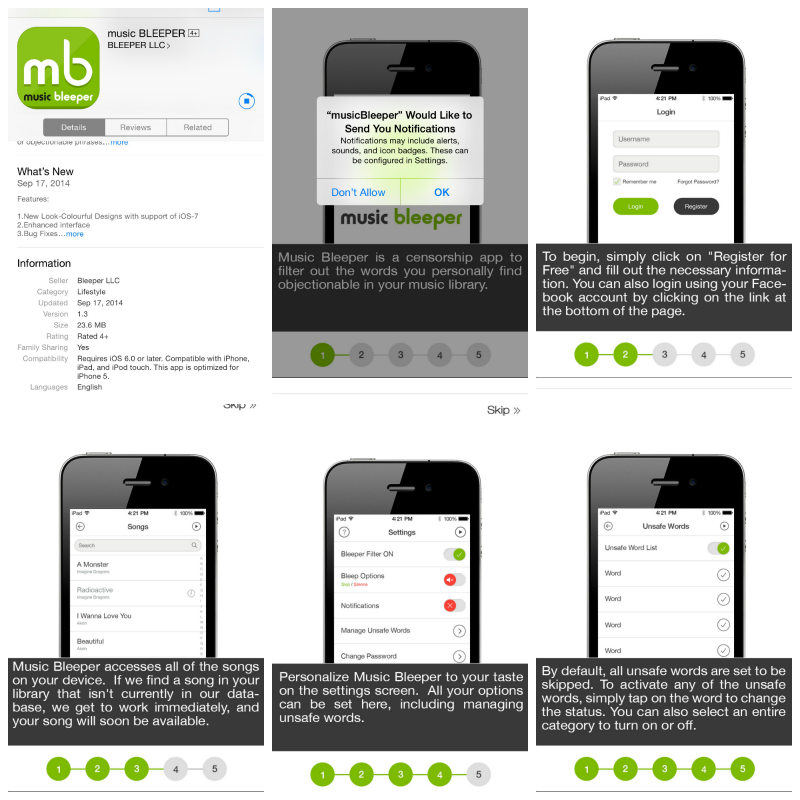
After setting the app up, I decided to test it out. So that meant playing songs I knew should really put this app to the test. I found that for the most part, it was bleeping out the right words but on a few words it seemed to lag. So, I decided to change the settings from skip to silence, which worked much better. The only thing about musicBleeper I found to be an issue is there is no option to add unsafe words. I would love to see this option later on since I listen mostly to rap and well most rappers today make up words and meanings. Other than that, I give musicBleeper five stars.
Pros:
Free!
Easy to set up!
Password protected, so parents can identify the words they want eliminated, without children having access to change them.
The app can be turned on and off, so parents can turn the app off when others are not around.
Cons:
musicBleeper is only available on iOS. (Sorry android fans) But really since I am #TeamiPhone this really isn’t a con…HAHA!
Songs cannot be played directly from the cloud. So, you will have to download your songs or playlist on your device.
Download Today:
Click here to get musicBleeper and start enjoying your music again anytime, anyplace, and with anybody around without feeling embarrassed!
Stay Connected:
Be sure to keep up with musicBleeper on Twitter, Facebook, and Google+
Enter to win:
That’s right one lucky reader will win a $15 ITunes E-gift card. Just comment below telling me how musicBleeper will help you!
a Rafflecopter giveaway


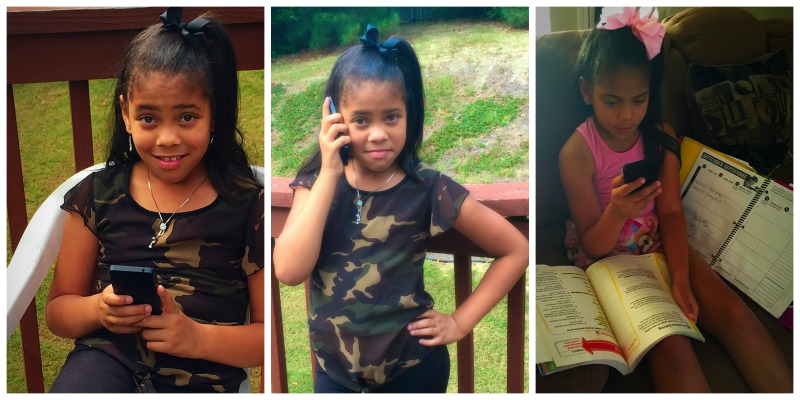
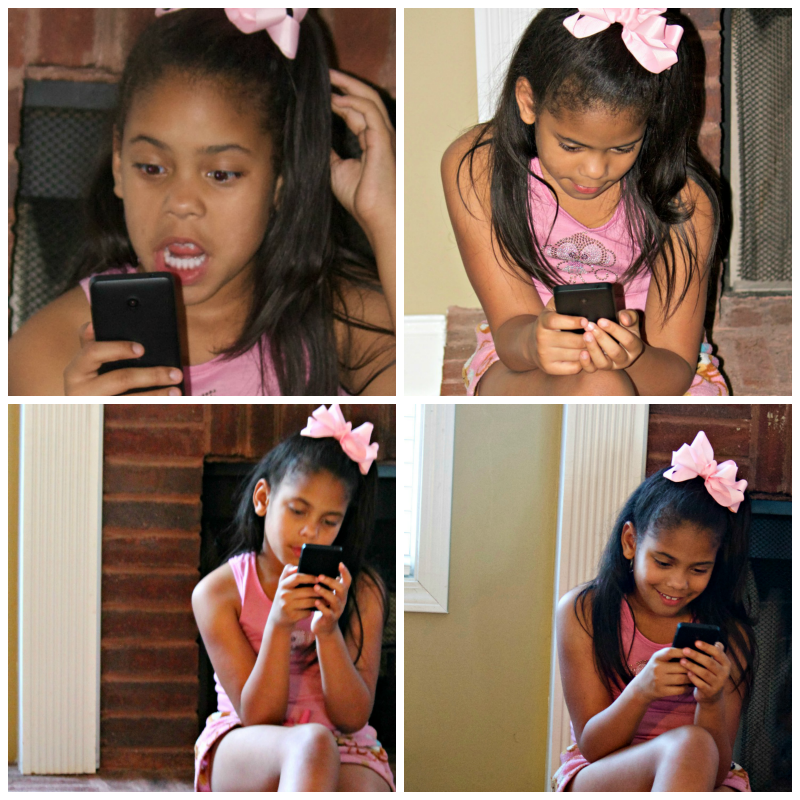
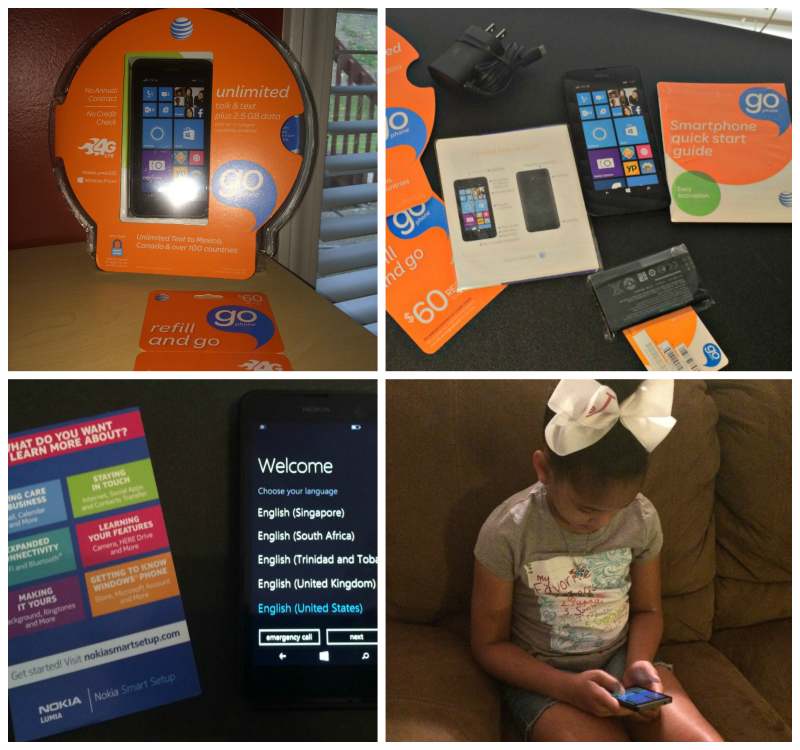 The set up was simple! She was up and running with her own number in 30 minutes tops. She was very excited to have her own smartphone. I was worried that she wouldn’t know how to work it because it is a window’s phone and we all know we are #TeamiPhone in this house. However, she was actually better at setting it up and working with the phone than I was! She was showing and teaching me! As someone who isn’t usually impressed with any phone beside my beloved iPhone’s I actually like this phone (that says A LOT Cause everyone knows how much I hate androids lol) but the windows phone gets thumbs up from me.